Fixing 'Port Already in Use' Errors
Aug 11, 2026
What 'port already in use' means
Every program that accepts network connections listens on a numbered port. The default Minecraft port is 25565. Only one program can use a given port at a time. If something else is already listening on 25565 when you try to start your server, the server refuses to start and logs a "port already in use" or "address already in use" error.
The most common cause: a previous instance of the same server did not shut down cleanly and the Java process is still running in the background. Another common cause: another Minecraft server, a web server, or a game like Terraria or Valheim that happens to use the same port.
Finding what is using the port
Open a Command Prompt and run:
netstat -ano | findstr :25565
If anything is listening on that port, you will see a line with a PID (Process ID) number at the end. That PID is the program holding the port. Write it down.
Open Task Manager (Ctrl+Shift+Esc), go to the Details tab, and sort by PID. Find the matching number. It will almost always be java.exe or javaw.exe from a previous server instance that did not close properly.
Fixing it
The fastest fix: open Task Manager, find the java.exe process matching the PID from netstat, select it, and click End Task. Then start your server again in Coalstack. It should bind to the port without issue.
If the process refuses to end, restart your PC. This is rare for Minecraft servers but happens occasionally with modded Forge instances that hang during shutdown.
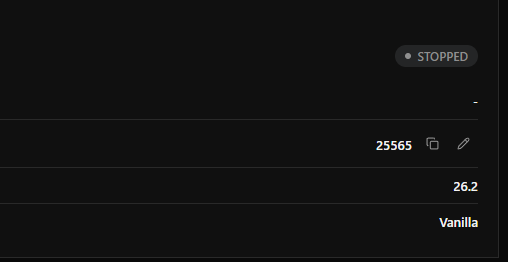
If the port is held by a program you want to keep running (like another server), change your server's port instead. In Coalstack, open the server's Dashboard and edit the Port field under Server Properties. Change it to something like 25566. Then update your port forwarding rule and give your players the new address with the updated port number.