

Run a Minecraft server
from your own machine.
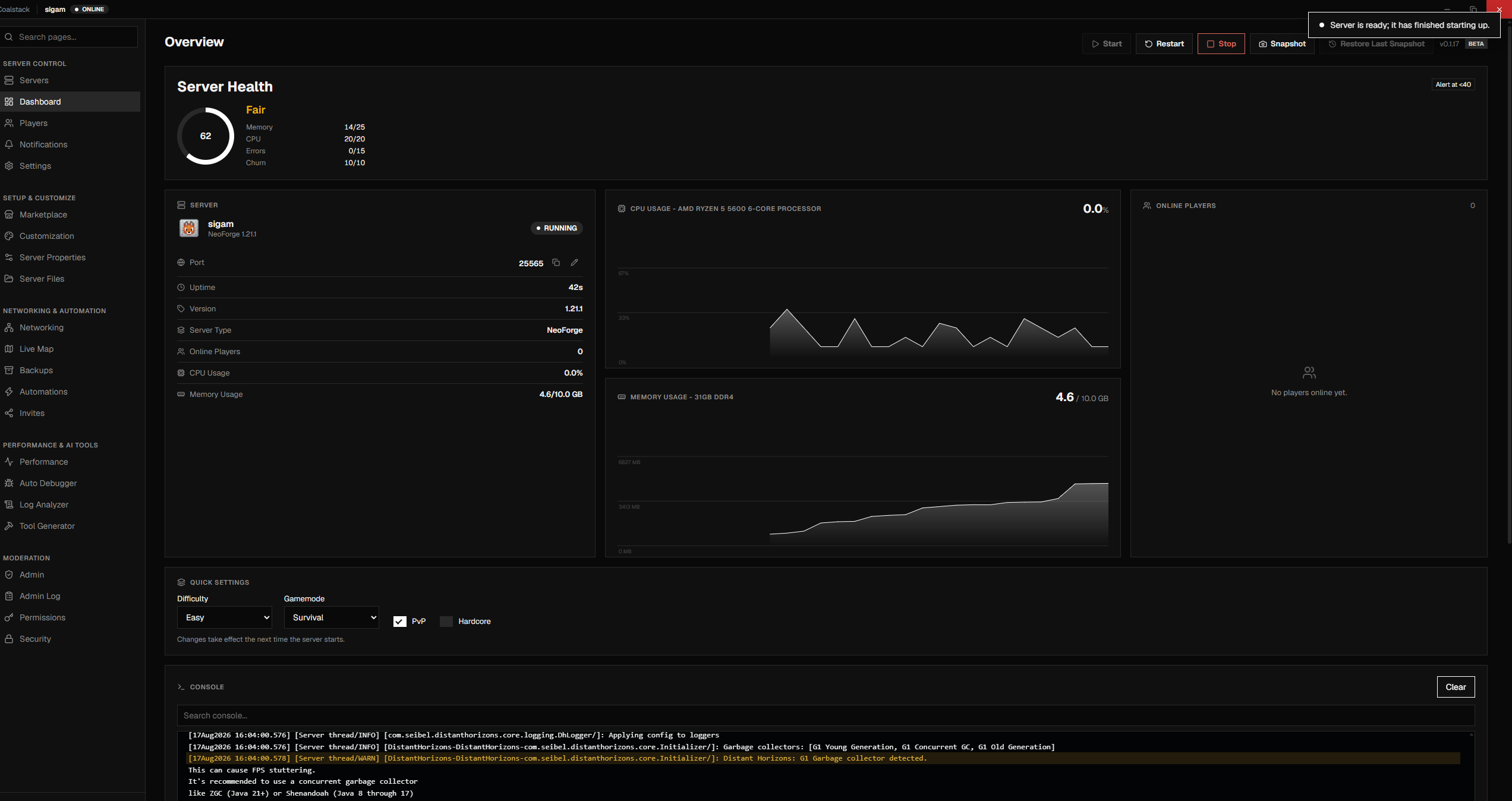
Get Coalstack
All downloads
From empty folder to running server
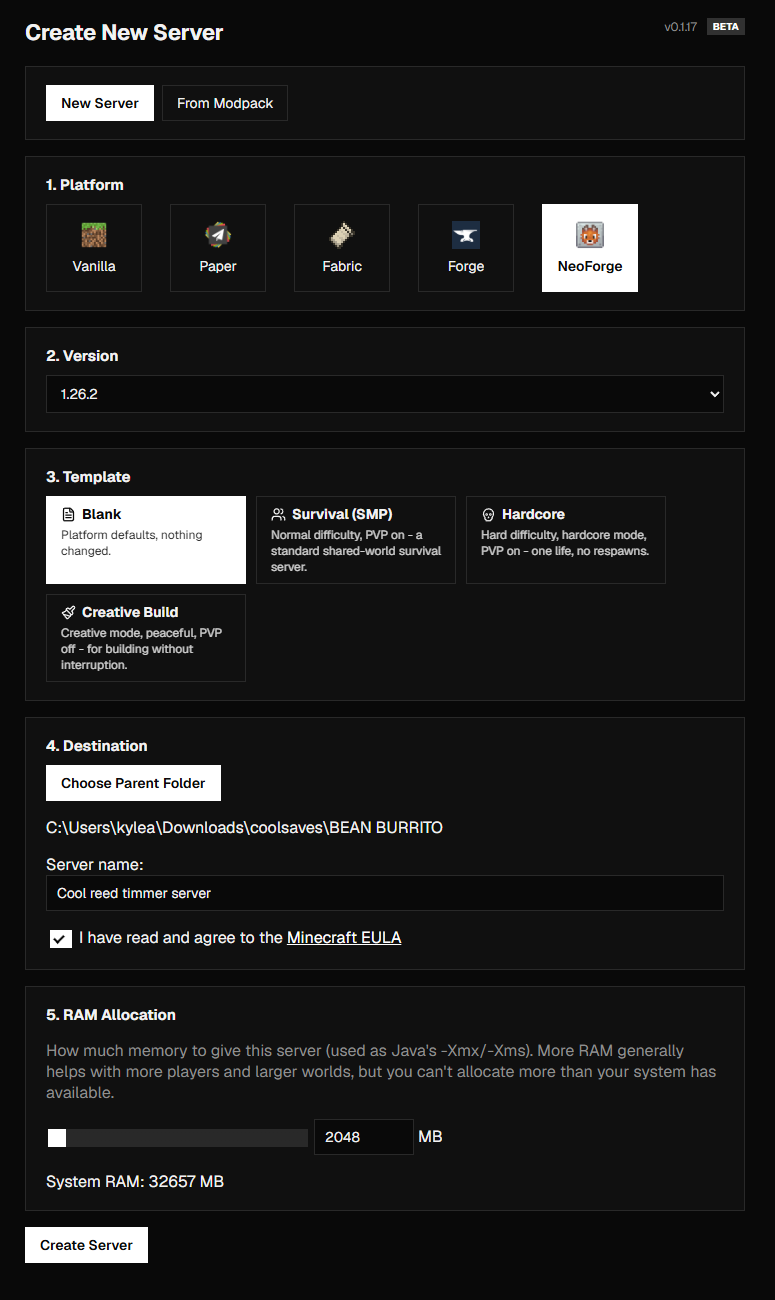
Choose how your server runs
 VanillaJava
The unmodified server from Mojang.
 PaperPlugins
Plugin support and better performance than vanilla.
 FabricMods
A small, fast mod loader.
 QuiltMods
A mod loader that runs Fabric mods.
 ForgeMods
The long-running loader for big mods and modpacks.
 NeoForgeMods
Forge's successor for recent Minecraft versions.
 BedrockBedrock
The official server for phones, consoles and Windows.
Automate the boring parts
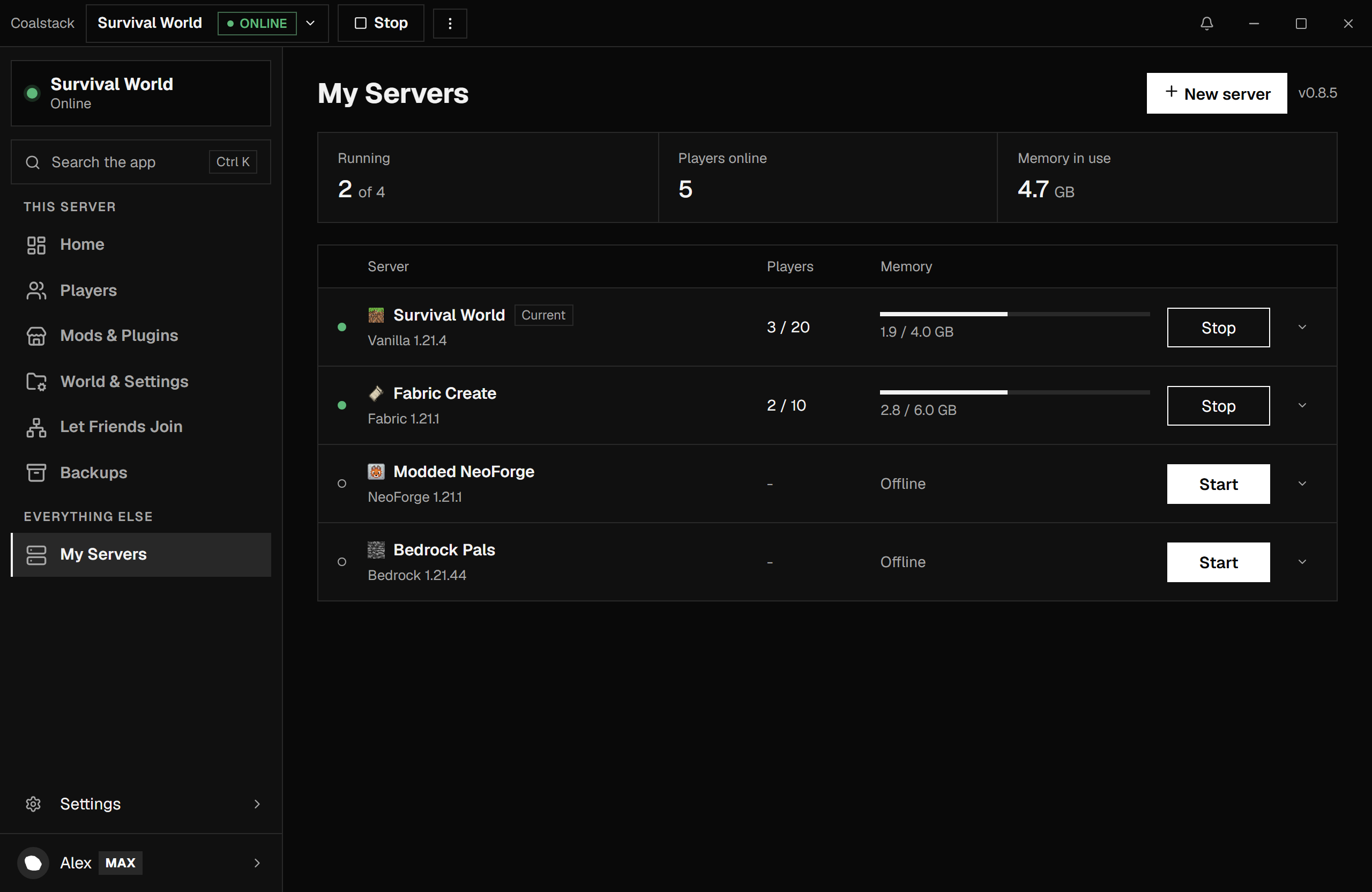
Docker mode
PlusRun servers in containers.
survivalDockerRunning
creativeJavaRunning
moddedDockerStopped
Scheduled tasks
PlusRestarts, commands, announcements.
04:00RestartDaily/save-allCommandEvery 6h"Event tonight"AnnounceFri 18:00Auto Debugger
FreeNames the mod that crashed.
Crash detectedexamplemod 1.2.0 is incompatible
Backups
FreeAutomatic, with offsite copies.
FolderGoogle DriveS3
Wake on join
FreeStarts when a player connects.
SleepingPlayer joins, starting
And moreAutomation APIFleet rulesHeadless modeDiscord webhooksJVM presetsConfig historySafe version upgrades
Pay once. No subscription for the app.
Free
$0
Never expires.
- Java and Bedrock servers
- Dashboard and live console
- Automated backups
- Modrinth mod installer
- Crash alerts
Coalstack PlusOne-time
$7.99CAD once
One major version, all updates included.
- Everything in Free
- Docker mode
- Scheduled tasks
- Unlimited backup destinations
- AI log analyzer
Web relay · 1 connection
$2.99/mo CAD
Web relay · 4 connections
$4.99/mo CAD
Web relay · 8 connections
$8.99/mo CAD
How it stacks up
| Coalstack | Pterodactyl | AMP | MCSManager | |
|---|---|---|---|---|
| Free to start | ||||
| Runs on Windows and Linux | ||||
| Desktop app, nothing to host | ||||
| Crash-log diagnosis | ||||
| Modrinth mod installer | ||||
| Runs games besides Minecraft |